

How to Read a GPS Fleet Report and Understand Idle Time, Stops and Runtime
When you first open a fleet report, there can be a lot to look at. That is why we want to make the numbers easier to use. Start with the metrics that tell you where time and vehicle activity are going, then use the rest of the report to add context.
Start with idle time, stop duration and runtime. Each one tells you something different about how a vehicle is being used. Then add mileage and trip history for context. The goal is clear visibility, not another screen full of numbers.
Our GPS Fleet Tracking platform gives you the location, reporting and operational visibility behind those decisions.
What Idle Time Means on a GPS Report
Idle time is the period when the vehicle is running but not moving. our reports can identify idle events and let you filter excessive idle events above a threshold you choose. The important part is context. An idle event tells you what the vehicle was doing, not whether that activity was necessary.
A truck waiting in traffic, warming up or running equipment at a job site may all appear as idle in a basic report. For a work truck, stationary operation can be productive.
We recommend looking for patterns instead of reacting to one long event. Does the same vehicle idle repeatedly? Do the events happen at the same customer site? Are they clustered at a particular time of day?
You can also compare each vehicle with the rest of the fleet. our reporting lets you see how vehicles stack up against one another, which can help you identify an outlier that deserves a closer look.
When the vehicle is stationary because attached equipment is working, our PTO and Auxiliary Usage Monitoring can add the missing context. PTO and auxiliary reporting requires compatible digital inputs.
For the broader fuel discussion, see our GPS Fleet Tracking resources rather than treating every idle event as a fuel problem.
Idle Time and Stop Duration Are Not the Same
Stop duration is the amount of time the vehicle remains at a location, whether the engine is running or off. A two hour customer stop with the engine off is a long stop, not two hours of idle time. Reading the two metrics together gives you better context.
Our Stop Basic and Stop Detail reports show when a stop begins, ends and how long it lasted. That helps you compare customer site time with travel time.
A long stop is not automatically a problem. It may reflect the job, the customer site, the schedule or dispatch.
Short stops matter too. A route packed with very short visits can raise a different question. Are crews being given enough time to complete the work?
The report gives you duration and location. It does not tell you why the vehicle stopped.
What Runtime Means on a GPS Tracker
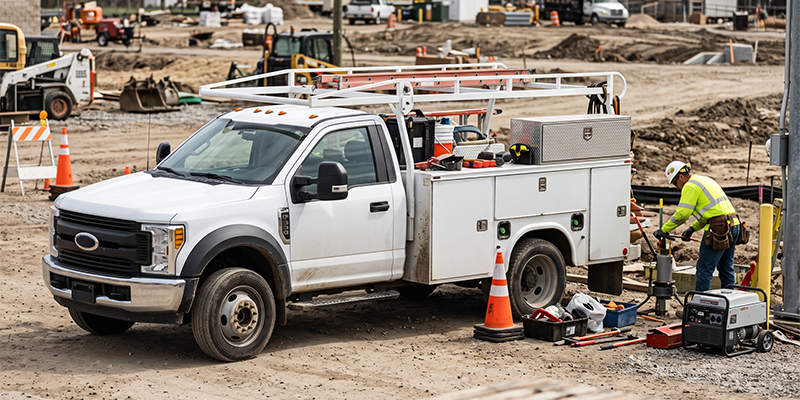
We define Runtime reporting as hours of operation for each vehicle. It is a vehicle activity measure derived from the tracking system. It is not the same as engine hours from a vehicle's ECM, and it is not the same as PTO runtime from an auxiliary input.
These measurements answer different questions. Vehicle runtime tells you how many hours the vehicle was operating. PTO runtime tells you how long connected equipment was active. ECM engine hours are a separate data source and are not presented as our reporting capability here.
Why does a vehicle show high runtime but low mileage
A work truck can accumulate many hours of operation while traveling relatively few miles. A vehicle running a pump, lift or other attached equipment may spend much of the day stationary. High runtime with low mileage can therefore be normal. Check the vehicle's work and PTO or auxiliary activity before treating the difference as a problem.
For those vehicles, the odometer does not always tell you how much work the truck has done. Runtime adds useful context.
When the numbers point to a consistently underused vehicle, our Fleet Tracking Analytics and Reports can give you broader reporting context.
If the asset is equipment rather than a vehicle, GPS Equipment Tracking gives you a separate view of equipment activity.
Read Idle, Stops and Runtime Together
The most useful insight often appears when you read the metrics together. Each number adds context to the others.
|
Metric |
What it tells you |
Question to ask |
What to do next |
|
Idle time |
Vehicle running while stationary |
Is the idle operationally necessary? |
Look for repeat vehicles, locations and times |
|
Stop duration |
Time spent at a location |
Is the stop longer than the work requires? |
Compare with scheduled or quoted time |
|
Runtime |
Hours of vehicle operation |
Is the asset working as expected? |
Compare runtime with mileage and work activity |
|
PTO or auxiliary runtime |
Hours a connected function operates |
Was the equipment active where and when expected? |
Use it to separate productive work from unnecessary idle |
|
Mileage and trip history |
Distance and movement pattern |
Does the movement match the work? |
Use as context for the other metrics |
High runtime with low mileage may mean productive stationary work. High idle with long stops may point to a customer site or process. High mileage with low runtime may mean the vehicle spends most of its day traveling.
Our Fleet Tracking Analytics and Reports page shows the reporting tools available to you. The interpretation here helps you decide what the numbers are telling you.
Three Practical Ways to Read a GPS Report
A service fleet with long customer stops
Suppose Stop Detail shows one van regularly spending about 95 minutes at jobs scheduled for an hour. Do not assume the technician is slow. Compare the same job type across the fleet and check whether long stops cluster at specific customers. The report gives you a pattern. Your work order and team provide the reason.
A construction truck with high runtime and low mileage
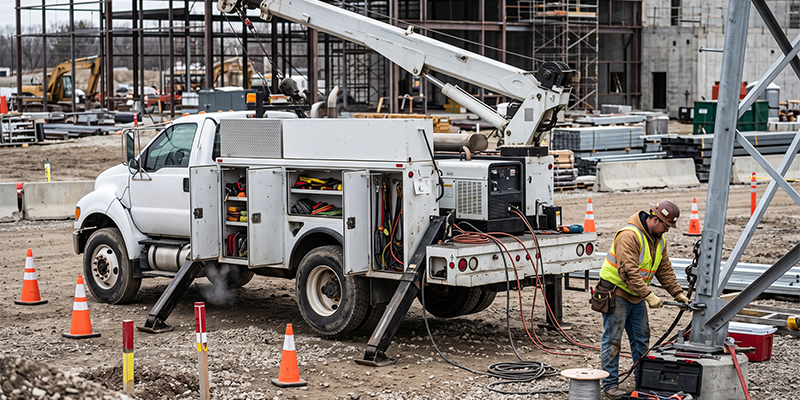
A construction truck can show heavy hours with relatively little distance. That can be normal for a vehicle running equipment at a site. Check PTO or auxiliary activity when the device supports it.
A delivery fleet with high idle and short stops
Suppose several delivery vehicles show high idle time while stop durations remain short. Before blaming driver behavior, look at the route. A tightly packed schedule may leave little room between stops and encourage engines to stay running during quick deliveries.
Give Your Reports a Regular Place on the Calendar
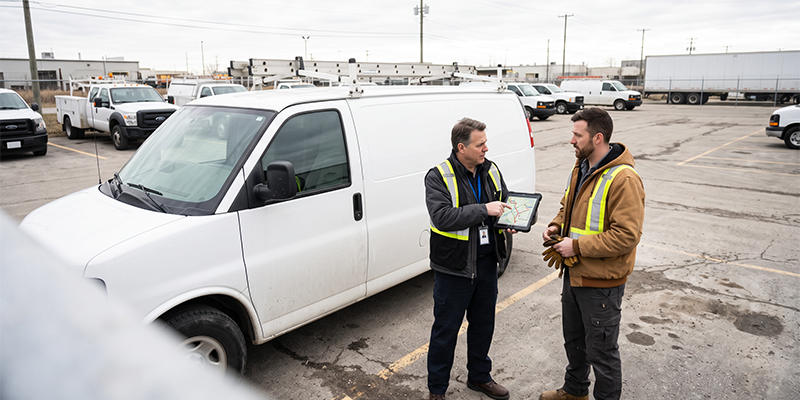
You do not need to stare at every report every day. A short weekly review gives you enough history to see patterns. Ask the same three questions. Which vehicles stand out? Which locations repeat? What changed?
Start with exceptions rather than every row. A vehicle that suddenly moves outside its normal range deserves attention. One unusual stop may not.
Our goal is not more information. It is making the information you already have easier to use.
That is how we want reporting to work for you. Our reports help you step back from individual map events and look at fleet usage over time.
What a GPS Report Cannot Tell You
A GPS report can tell you where a vehicle was, how long it stayed there, whether it was moving or idle and how much runtime was recorded. It cannot always tell you why the driver stopped, why a job took longer or whether an idle event was necessary.
A report gives you a reliable place to start. Dispatch records, job details and your team provide the reason.
If you want more from the data you already collect, our Fleet Management Software brings tracking, reporting, alerts and fleet information together in one platform.
If you already use Tracker Systems and need help with a report, we are here to help.
FAQs
1. How do you read a fleet GPS report
Start with exceptions rather than totals. Compare each vehicle with its own recent history and with the rest of the fleet. Read idle time, stop duration and runtime together because any one of these metrics can be misleading without context.
2. What should I look for first in a GPS report
Look for patterns, not single events. The same vehicle, location or time recurring across several reviews is more useful than one unusual number. Start with idle time, stop duration and runtime, then use mileage and trip history for context.
3. Is vehicle runtime the same as engine hours
No. our Runtime reporting measures hours of operation for each vehicle. Engine hours from an ECM are a separate measure, and we do not present ECM engine hour data as our reporting capability. PTO runtime is also separate and requires compatible digital inputs.
4. Why does a vehicle show high runtime but low mileage
That can be normal on work trucks that spend significant time operating equipment while stationary. Compare the runtime with the vehicle's work and PTO or auxiliary activity before treating the difference as a problem.
5. How often should I review fleet reports
A weekly review is a practical starting point for most operations. It gives you enough history to see patterns without making report review a daily task. Focus on exceptions and recurring changes rather than trying to read every row.
Know What the Numbers Are Telling You
You do not need to become a data analyst to get useful information from your GPS reports. We recommend starting with idle time, stop duration and runtime, then comparing each number with the work the vehicle is expected to perform.
That is how we want our reporting tools to work for you. Less guesswork, more visibility and a clearer picture of what is happening across your operation.
Want help getting more from your reports? Talk with Tracker Systems and we will help you find the right place to start.
Recent Posts
-

ELD Exemptions and Exceptions: What Actually Requires a Certified ELD
Many fleets assume every commercial vehicle needs an Electronic Logging Device (ELD), but that is no …Oct 27th 2026 -

How to File IFTA: Quarterly Fuel Tax Reporting and How GPS Data Automates It
Learning how to file IFTA is not difficult, thanks to the tax formula. The harder part is collecting …Oct 27th 2026 -

What Is a DVIR? How Driver Vehicle Inspection Reports Work in 2026
A driver vehicle inspection report, or DVIR, is a written record documenting a commercial vehicle's …Oct 26th 2026