
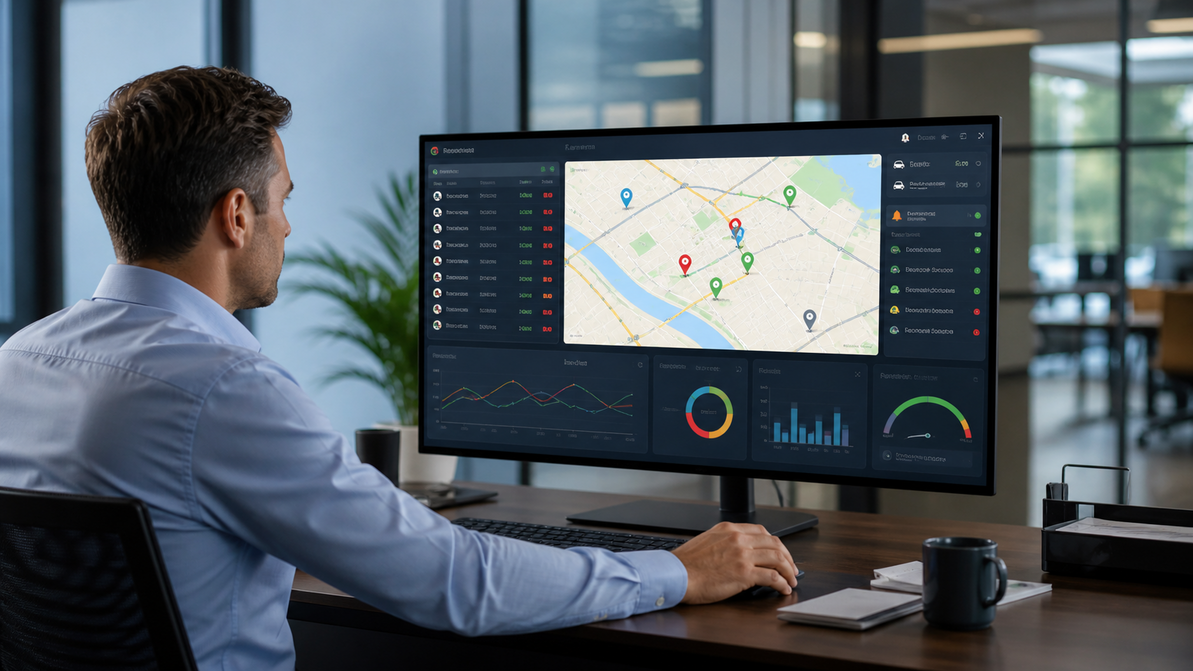
Successfully Implement a GPS Tracking System Across Your Fleet
Rolling out a GPS tracking system across a fleet sounds straightforward until the actual work begins. Many businesses know they need better visibility, cleaner route data, and stronger cost control. Still, they are less certain about how to move from idea to execution without confusing drivers, managers, and office teams. A poor rollout can lead to resistance, weak data, and missed results. A well-planned rollout can improve day-to-day control, support better decisions, and create a more reliable foundation for growth. That is why GPS tracking for fleet operations should be approached as a business process, not just a hardware purchase. When companies treat implementation as a structured project, they are more likely to gain the route visibility, accountability, and performance gains they expected from the start. This guide explains what GPS and fleet management look like in practice, how the setup process works, which devices to consider, and how to use tracking data to improve operations.
What Is GPS Fleet Tracking?
What is GPS fleet tracking? It is a system that uses connected hardware and software to monitor vehicle location, movement, stops, and activity across a fleet. In practical terms, a GPS tracking system collects live and historical location data from vehicles and converts it into information managers can use for route planning, dispatch, driver oversight, and performance tracking.
For businesses managing vans, trucks, service vehicles, buses, or mixed fleets, this kind of visibility matters because daily operations are rarely static. Routes change. Traffic delays grow. Job priorities shift. Drivers face unexpected issues on the road. A GPS tracking setup for a vehicle fleet helps businesses respond with real data rather than assumptions.
A working system usually includes three core parts. First, tracking devices are installed in vehicles. Second, there is software that receives and displays location and activity data. Third, there is a reporting layer that helps businesses turn raw data into actionable patterns. This is what separates simple location visibility from a full operational tool.
The value of GPS tracking for fleet management is not limited to knowing where a vehicle is right now. It also helps answer broader questions. Are routes being followed? Are vehicles idling too long? Are dispatch plans working as expected? Are service delays tied to route design, traffic, or execution? A strong setup gives teams a clearer way to answer those questions.
Why Proper Implementation Is Critical
Many businesses focus heavily on choosing a vendor but spend less time planning the rollout itself. That is usually where problems begin. A system can have strong features on paper and still underperform if the business does not set clear goals, prepare staff, and define how the data will be used. That is why structured implementation matters.
A rushed rollout often creates predictable issues. Drivers may see the system as a monitoring tool with no operational purpose. Managers may receive too much data without a process for reviewing it. Office staff may not know how to respond to live alerts or route exceptions. In those cases, the technology exists, but the company does not truly benefit from it.
A more careful rollout supports fleet optimization by aligning the system with real business needs. One company may want tighter route planning. Another may need better customer ETAs. A third may care most about driver accountability, fuel waste, or vehicle usage. Without clear priorities, businesses often end up using only a small part of what the system can do.
The connection between GPS and fleet management is strongest when the system is tied to decisions. That means leadership should know what success looks like before installation begins. Better route adherence, fewer delays, improved dispatch control, less idle time, cleaner reporting, and lower operating waste are all examples of useful rollout goals.
Proper implementation also reduces internal friction. When teams know why the system is being introduced and how it will help operations, adoption tends to go more smoothly.
Step-by-Step GPS Setup for Your Fleet
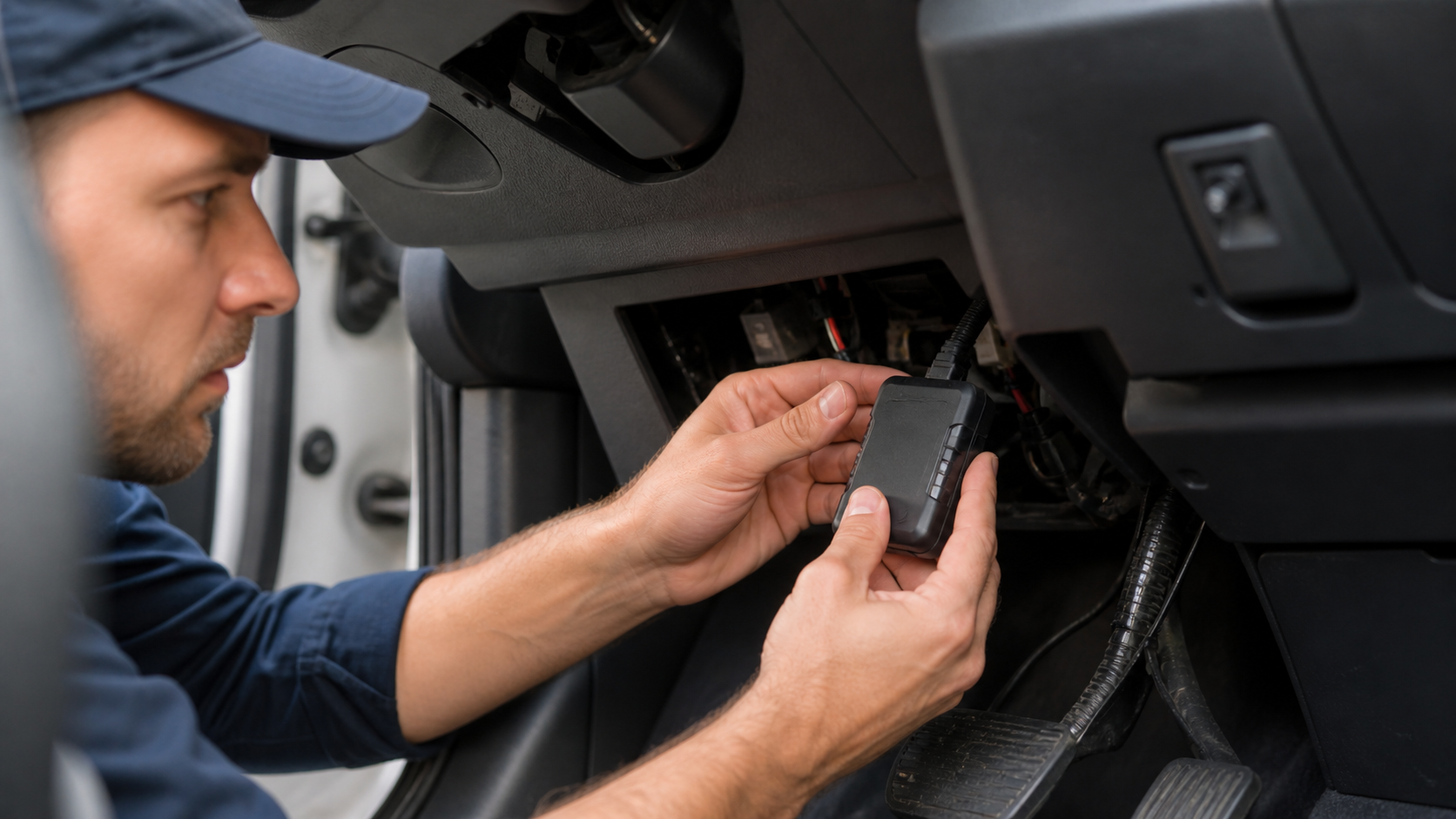
A successful rollout usually follows a clear order. The exact details may vary by industry or fleet size, but most businesses benefit from the same basic structure. A practical GPS fleet tracking guide should start with goals, move into system and device decisions, then continue through installation, training, testing, and review.
1. Define what you want the system to improve
Start by identifying the business problems you want the platform to address. This may include route inefficiency, missed ETAs, weak dispatch visibility, fuel waste, idle time, driver behavior concerns, or poor communication between office staff and drivers. Clear goals help determine what type of system and reports matter most.
2. Choose the right platform for your operation
Not every GPS tracking system is designed for the same kind of fleet. Some are better for long-haul transport, while others are better suited for local service businesses, school fleets, delivery teams, or mixed-vehicle operations. At this stage, compare reporting depth, alert options, mobile access, route tools, and ease of use for managers and drivers.
3. Plan the GPS setup before installation begins
Before devices are installed in vehicles, confirm which units are being tracked, who will manage the software, which permissions different users need, and how the rollout will be scheduled. This is also the right time to decide whether you will launch across the full fleet at once or start with a pilot group.
4. Set up GPS hardware and user accounts
Once planning is complete, move into physical installation and software setup. Create manager accounts, assign vehicles properly, confirm driver associations if needed, and ensure incoming data is labeled correctly. A clean system structure saves time later.
5. Train staff by role
Dispatchers, fleet managers, operations teams, and drivers do not all need the same training. Managers may need reporting and alerts. Dispatchers may need live map views and route tools. Drivers may need a clear explanation of why tracking is being used and how it supports the broader operation.
6. Test before full rollout
Run a limited check to confirm that the displayed data matches actual vehicle movement. Review stops, routes, timestamps, and alert triggers. This is the stage where errors are easiest to correct.
7. Review performance after launch
A GPS fleet tracking guide should never stop at installation. The real value lies in teams consistently reviewing data and making changes based on what they learn.
Selecting Fleet Vehicle GPS Tracking Devices
The hardware you choose has a major effect on rollout quality. Fleet vehicle GPS tracking devices vary by installation type, vehicle compatibility, reporting depth, and ease of maintenance. That means businesses should avoid choosing devices based only on price or convenience.
Some devices plug into existing vehicle ports and can be deployed quickly. Others are hardwired and may offer a more permanent fit for commercial operations. The right choice often depends on fleet size, vehicle types, security expectations, and the expected service life of the vehicles.
When comparing fleet vehicle GPS tracking devices, think about practical questions. Is the device suitable for the vehicle class? Does it support the type of reporting you need? Will it require professional GPS installation? How easy is it to move if vehicles are replaced or reassigned? Can the business support maintenance if a device stops reporting?
For fleets with mixed vehicle types, standardization matters. Using too many hardware types can complicate support and training. On the other hand, some operations may need more than one device style if different vehicle classes have different requirements.
Device planning should also account for working conditions. Heavy-use fleets, construction vehicles, delivery vans, or service trucks may place different demands on the hardware. The goal is not just to get data, but to get reliable, consistent data.
GPS Installation and System Integration
Once the devices and software have been selected, the next step is to install GPS and align the system. This part of the rollout should be handled carefully because installation quality directly affects reporting accuracy and user confidence. If early data looks unreliable, adoption can suffer quickly.
Start by deciding whether installation will be handled internally, by the vendor, or by a third-party technician. For simple plug-in devices, the process may be faster. For hardwired units, a more controlled installation plan is usually the safer option, especially if fleet uptime is a priority.
Each installed unit should be tested against the correct vehicle and account profile. A GPS tracking system is only as useful as the accuracy of its assignments. If the wrong device is mapped to the wrong vehicle, route data and reports become harder to trust.
Integration matters too. If the business uses dispatch software, service management tools, compliance systems, or internal reporting platforms, it helps to think early about how tracking data will fit into existing workflows. Even when deep software integration is not required, businesses still need a clear operating process for who checks the dashboard, who reviews alerts, and who acts on route issues.
A careful GPS installation phase creates a better first impression for the teams who will rely on the platform every day.
Leveraging Real-Time Data Tracking
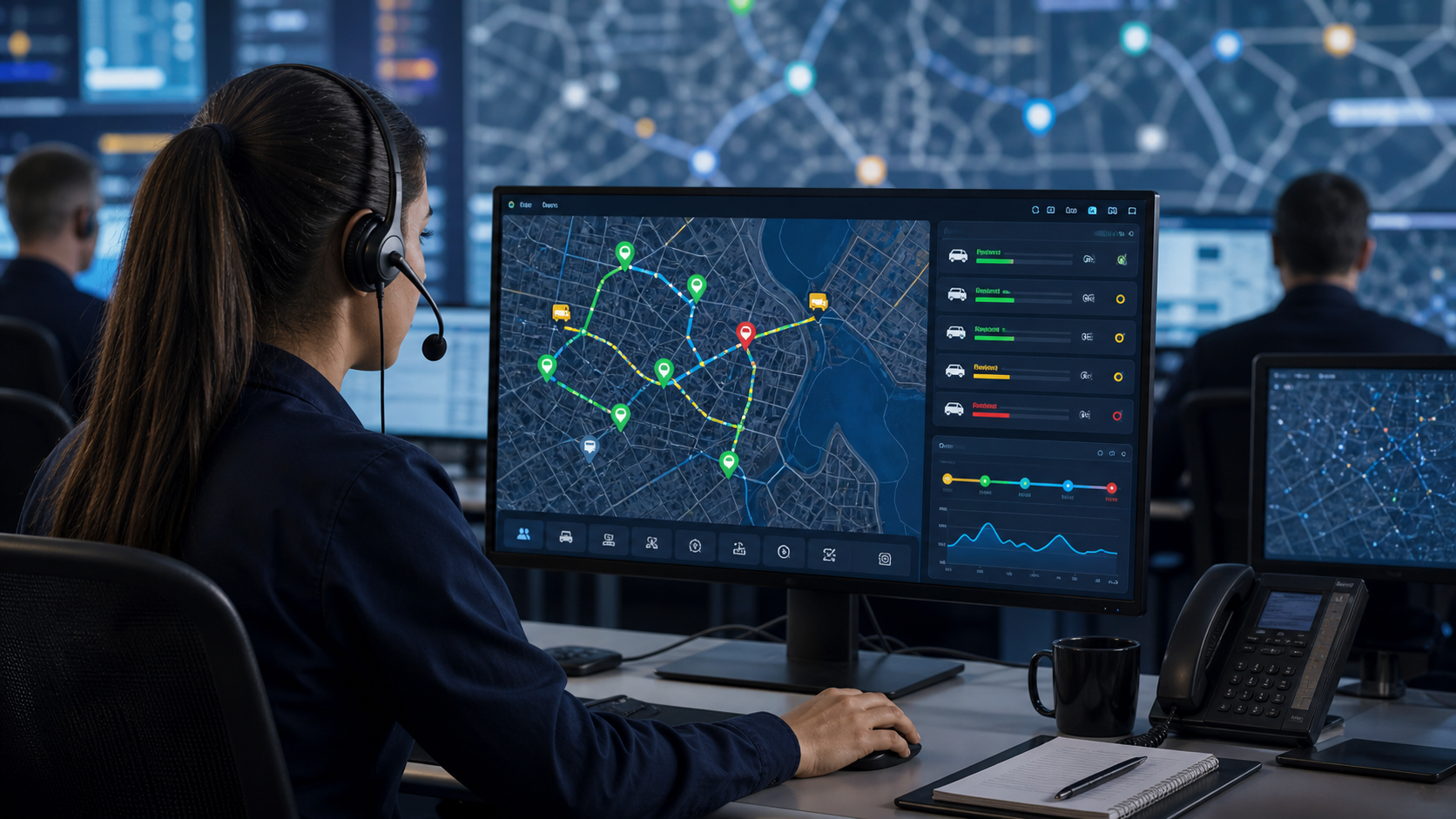
Once the system is active, the next challenge is using the data well. This is where many companies either get strong value or fall into passive monitoring. Real time data tracking should help managers make better decisions, not just watch dots move on a screen.
For daily operations, live data can improve dispatch timing, support customer updates, and help teams respond faster to delays or route changes. If a vehicle is running behind, the office can react sooner. If a driver is off route, staff can identify the issue faster. If a job sequence is creating avoidable delays, managers can review it and adjust the plan.
Historical reporting is just as important as live visibility. Over time, real-time data tracking becomes the basis for route reviews, performance discussions, cost analysis, and service improvements. Patterns in idle time, long stops, route repetition, and missed scheduling windows can reveal problems that are not obvious during the day itself.
This is why GPS tracking for fleet management should include a reporting habit. Decide what will be reviewed weekly or monthly. This might include route adherence, total mileage, stop duration, idle events, or response times. The more intentional the review process, the more useful the data becomes.
The goal is not to drown teams in dashboards. It is to identify the few patterns that matter most and use them consistently.
Achieving Fleet Optimization with GPS
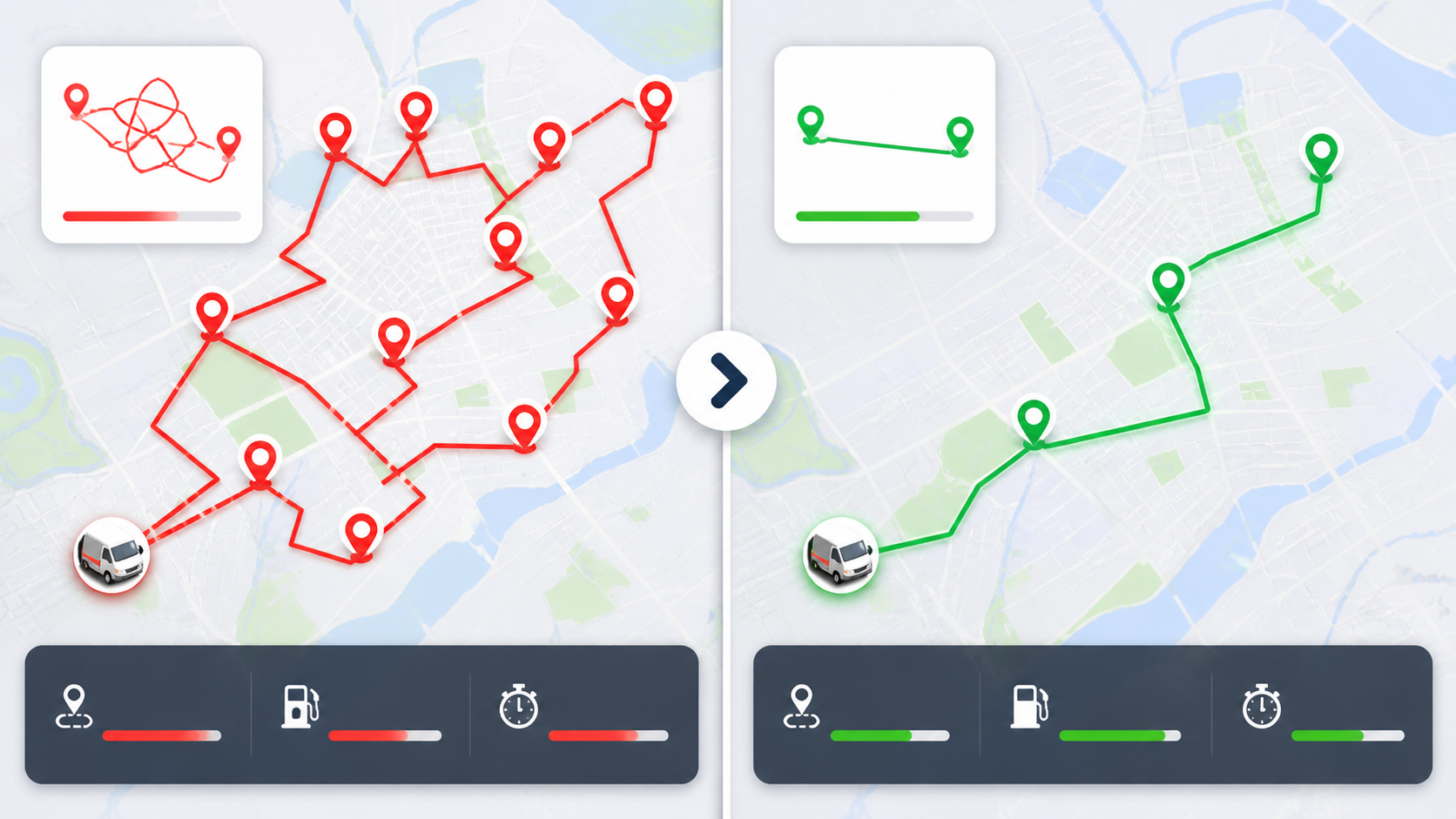
The long-term value of a rollout appears when businesses move from tracking to improvement. That is where fleet optimization begins. The system should help managers reduce waste, improve planning, and create more consistent day-to-day performance across vehicles and teams.
With the right review process, a GPS tracking system can support route refinement, better dispatch choices, reduced idle time, and stronger accountability. Businesses may also improve customer communication by providing more reliable arrival estimates or by resolving service disruptions more quickly.
Fleet optimization also depends on how the business responds to the data. For example, if certain routes consistently cause delays, the route design may need adjustment. If vehicle usage is uneven, managers may need to redistribute assignments. If driver patterns reveal excessive idle time or inefficient movement, coaching or schedule updates may be more useful than criticism alone.
A mature GPS tracking for fleet approach treats the system as part of operational management, not as a separate reporting tool. When route planning, staffing, dispatch, and performance reviews all connect back to the same source of movement data, businesses gain better control over the fleet as a whole.
That is where return on investment becomes easier to see. Better visibility supports better decisions, and better decisions usually reduce waste.
Frequently Asked Questions
1. What is GPS fleet tracking?
What is GPS fleet tracking? It is a system that uses location-enabled devices and software to monitor fleet vehicles in real time and through historical reports. A GPS tracking system helps businesses see where vehicles are, review route activity, and improve operational control.
2. How do I set up GPS tracking for my fleet?
To set up GPS tracking, start by defining your goals, selecting the right platform, planning the rollout, installing devices, creating user accounts, and testing the data before full launch. A good GPS setup also includes staff training and regular reporting after launch.
3. What devices are used in fleet GPS tracking?
Businesses typically use fleet vehicle GPS tracking devices that are either plug-in or hardwired, depending on the vehicle type and tracking needs. The best choice depends on fleet size, reporting depth, preferred installation, and the level of permanence required.
4. How long does GPS installation take?
The timeline for GPS installation depends on the number of vehicles, the hardware type, and whether installation is handled internally or by professionals. Simple rollouts may move quickly, while hardwired or multi-location deployments often require more coordination.
5. What are the benefits of GPS tracking for fleet operations?
The main benefits of GPS tracking for fleet operations include better route visibility, reduced delays, stronger dispatch control, improved accountability, and more informed decision-making. Over time, these gains can support lower waste and stronger service consistency.
6. How does real-time data tracking improve operations?
Real-time data tracking helps managers respond more quickly to delays, off-route movements, and shifting job priorities. It also creates a record that can be reviewed later for route planning, cost control, and performance improvement.
7. Is GPS tracking difficult to implement?
It does not have to be difficult if the rollout is planned properly. A structured GPS fleet tracking guide approach makes implementation more manageable by breaking the process into goals, device selection, installation, training, testing, and review.
Wrapping up
Rolling out a GPS tracking system across a fleet works best when businesses treat it as an operating decision rather than a one-time tech purchase. The strongest results usually come from clear planning, the right hardware, careful GPS installation, role-based training, and regular use of the data after launch. For companies seeking better visibility, route control, and stronger performance, GPS tracking for fleet management can be a practical advantage when implemented with care. Track your fleet in real time with GPS data and streamline operations with Tracker Systems.
Recent Posts
-

How Asset Tracking Reduces Losses in Equipment Rental Businesses
Equipment rental businesses lose money in ways that are not always immediately visible. A machine ma …Jul 8th 2026 -
What Happens After a Fleet Accident? How GPS & Video Data Help Investigations
Fleet accidents can create more than vehicle damage. They can lead to driver disputes, delivery dela …Jul 1st 2026 -

Managing Mixed Fleets Vehicles, Trailers, and Equipment in One Platform
Managing a fleet is no longer just about knowing where vehicles are. Many businesses now manage serv …Jun 24th 2026